5 Signs Your CRM Setup Is Costing You Deals — And What a Proper CRM Audit Actually Catches
Your CRM was supposed to make sales easier. If your team is working around it instead of inside it, the problem isn’t the people — it’s the architecture.
Last quarter, a 40-person sales team came to us with what they thought was a “Zoho problem.” Their words: “Zoho is slow, nothing syncs right, and half the team tracks deals in Google Sheets anyway.”
We ran a two-week CRM audit. The problem wasn’t Zoho. It was 237 custom fields — 80 of which nobody used — stacked across the Deals and Contacts modules. Fourteen Deluge scripts running on every record update, three of which conflicted with each other. A workflow automation setup that had hit the per-module cap months ago, so someone had started using scheduled functions as a workaround, which nobody documented.
The CRM wasn’t broken. It was suffocating under years of quick fixes.
If any of that sounds familiar, keep reading. These are the five patterns we see in almost every CRM audit — and they’re costing companies real revenue.
Your sales team has built a shadow CRM next to your actual CRM
Here’s the test: ask three of your reps where they track their active pipeline right now. If at least one says “my spreadsheet” or “Notion” or “I just keep it in my head until it’s ready to log,” your CRM has a trust problem.
This doesn’t happen because reps are lazy. It happens because the CRM makes their job harder. Common culprits:
Too many required fields at the wrong stage. If a rep has to fill in 12 fields to log a first meeting, they won’t log first meetings. They’ll batch-update on Friday afternoon with whatever they remember — which means your pipeline data is always five days stale.
Stages that don’t match the actual sales process. We inherited a CRM last year where the deal stages were: Lead → Qualified → Proposal → Negotiation → Closed. Sounds reasonable. But the real sales motion had a technical validation step between Qualified and Proposal that took 2-3 weeks. Since there was no stage for it, reps parked deals in “Qualified” for weeks, and management couldn’t tell the difference between a stalled deal and one that was actively progressing.
Reports that nobody trusts. If your Monday pipeline review starts with the manager saying “OK but what’s the REAL number,” you’ve already lost. The team has collectively decided the CRM data is fiction.
The fix isn’t “tell reps to use the CRM.” The fix is restructuring the CRM so using it is faster than not using it.

If your sales team has abandoned ship, your CRM fields, stages, and workflows need a redesign — not a lecture. → See our CRM Development & Customization services

We work across Zoho, HubSpot, Salesforce, and custom-built CRMs. If you’re hitting limits and aren’t sure whether to upgrade or rebuild, that’s exactly what our CRM audit scoping call covers.
You’ve hit the platform ceiling — and you’re duct-taping around it
Every CRM platform has hard limits. Most companies don’t know about them until they slam into one at 11 PM on a Thursday.
Zoho CRM has a 5,000-statement execution cap per Deluge function. That sounds like a lot until you run a loop — a for each iterating over 200 records with 10 statements inside burns through 2,000 statements in a single pass. Add a nested lookup and you’re over. The error message (“execution limit exceeded”) doesn’t tell you which function hit the wall, so debugging it takes hours.
Zoho also caps workflow rules at 10 per module on Professional, 30 on Enterprise. If your operations team has already maxed that out — and they’ve started chaining scheduled functions as a workaround — you’ve got hidden automation that runs outside the normal workflow engine. When something breaks, good luck tracing it.
HubSpot has a different ceiling problem. The free tier caps custom properties at 10. Professional gives you more room, but property sprawl is the real danger — we audited a HubSpot instance last year with 600+ custom properties across Contacts and Deals. Marketing had created lead_source_campaign. Sales had built campaign_source. Ops had added utm_campaign_source. Three properties tracking the same data. Reports pulled from different ones depending on who built the dashboard.
Salesforce is the most extensible of the three, but also the most expensive to customize wrong. Governor limits on SOQL queries, Apex CPU time, and DML operations mean that a poorly written trigger can cascade into failures across unrelated automations.
The question isn’t which platform is best. The question is whether your current setup has outgrown what the platform can do at your tier — and whether the answer is upgrading, customizing deeper, or building something custom.
Your CRM doesn’t talk to your ERP, billing, or support tools
This one’s expensive in ways that don’t show up until month-end close.
A rep closes a deal in the CRM. That deal needs to become an invoice in your billing system, a project in your PM tool, and a customer record in your support desk. If those transitions are manual — someone re-keying data from Zoho into QuickBooks, someone copying the SOW details into Jira — you’re burning hours every week and introducing errors on every handoff.
The real damage is invisible: deals that closed but never got invoiced because someone forgot the handoff. Customers who submitted support tickets but got treated as new prospects because the CRM and helpdesk aren’t linked. Revenue reports that don’t match between sales and finance because the CRM says “Closed Won” but billing says “Pending Contract.”
We see three patterns here:
No integration at all — everything is manual copy-paste. This works until you hit 50+ deals/month, then it breaks.
Point-to-point Zapier/Make automations — these start simple (Zoho Deal → QuickBooks Invoice) but multiply fast. Within a year, you’ve got 30+ Zaps running, nobody has a map of what triggers what, and when one fails silently, you don’t find out for weeks.
API integrations that someone built and left — the most dangerous kind. A developer built a custom sync 18 months ago. That developer is gone. The integration is running on a server nobody monitors. It works until it doesn’t, and when it breaks, nobody on the current team knows how to fix it.
A CRM integration audit maps every data flow between your CRM and external systems, identifies what’s automated vs manual vs broken, and produces an integration architecture document that your team can actually maintain.
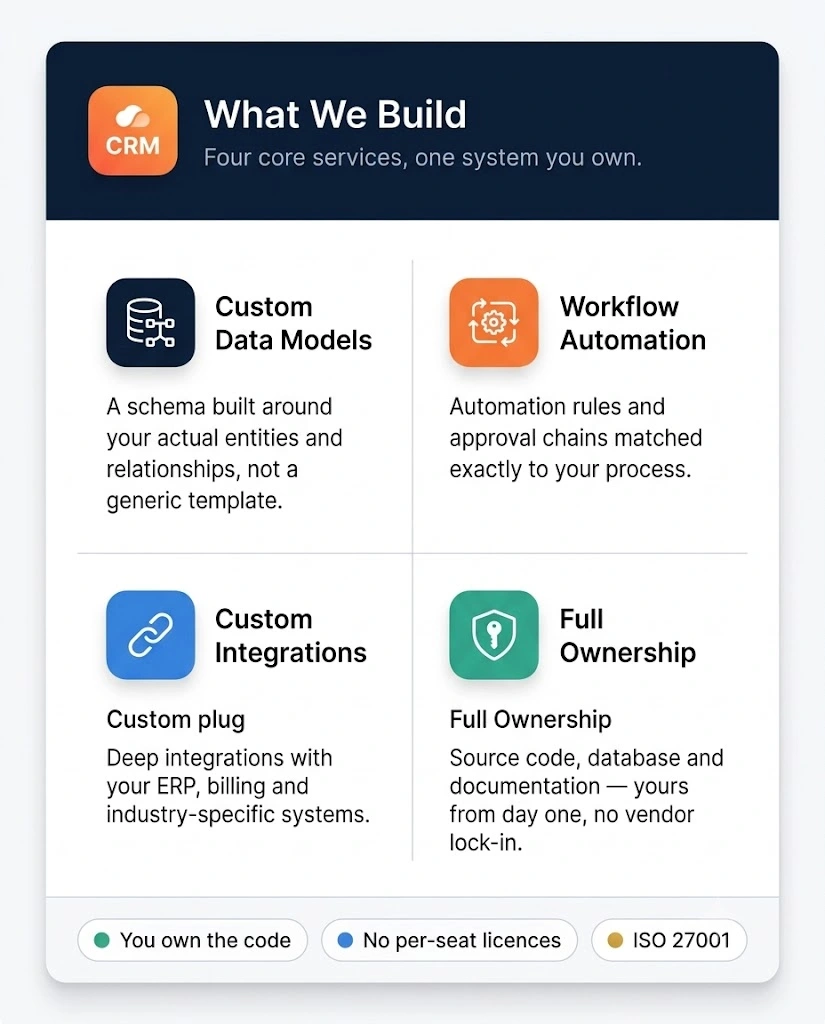
If your sales team has abandoned ship, your CRM fields, stages, and workflows need a redesign — not a lecture. → See our CRM Development & Customization services
Still not sure? Here’s the quickest gut check.
Open your CRM right now. Pull up the Deals module. Answer these:
- Can you tell, within 30 seconds, what your actual pipeline value is this month — without exporting anything?
- When a deal closes, does the next step (invoicing, onboarding, project kickoff) happen automatically — or does someone have to remember to trigger it?
- If your top-performing rep quit tomorrow, could a replacement pick up their deals from the CRM alone — or would they need a three-hour handoff call?
If you answered “no” to even one of those, your CRM setup has room to improve. And the longer you wait, the more workarounds calcify into “that’s just how we do it.”
Frequently Asked Questions
How long does a CRM audit take?
Two to three weeks for a mid-size CRM (50-200 custom fields, 5-10 integrations). Larger instances with extensive automation may take four weeks. The deliverable is a scope document with prioritized recommendations and effort estimates.
How much does CRM customization cost?
It depends entirely on scope — which is why we recommend starting with an audit rather than jumping to a quote. That said, typical CRM customization projects (field restructuring, workflow redesign, 2-3 integrations) range from $8,000-$35,000 depending on platform and complexity. Full custom CRM builds start at $40,000+.
Should I customize my existing CRM or build a custom one?
Customize first — always. A custom CRM build only makes sense when your business process is genuinely unique (not just complex) and no existing platform can support it even with heavy customization. In our experience, 80% of teams that think they need a custom CRM actually need a properly configured existing one.
Can you work with our existing CRM, or do you push a specific platform?
We’re platform-agnostic. We work with Zoho, HubSpot, Salesforce, Dynamics 365, and custom-built CRMs. We recommend based on your team size, budget, and technical requirements — not on which vendor pays us a referral fee (none of them do).
Now you know the company
We build CRMs that
sales teams actually use.
ZonSource has delivered CRM projects across Zoho, HubSpot, Salesforce, and custom-built platforms for teams ranging from 10-person startups to 200-person enterprises. Our CRM practice covers everything from a two-week audit to a full ground-up build.