How to Outsource React Development
How to Outsource React Development Points to Look for When Outsource React Development Outsourcing React development can get you capacity quickly and…
Read More →CRM development is the work of shaping a CRM so it matches how your business sells, serves customers and reports. These guides cover the decisions that matter most: when to customize an existing platform, when to build custom, how to integrate your CRM with other systems, and how to migrate data without losing history.
We cover Salesforce, HubSpot and Zoho CRM, with practical steps for each. Start with the guide that matches your situation, then request a custom quote for your project.

How to Outsource React Development Points to Look for When Outsource React Development Outsourcing React development can get you capacity quickly and…
Read More →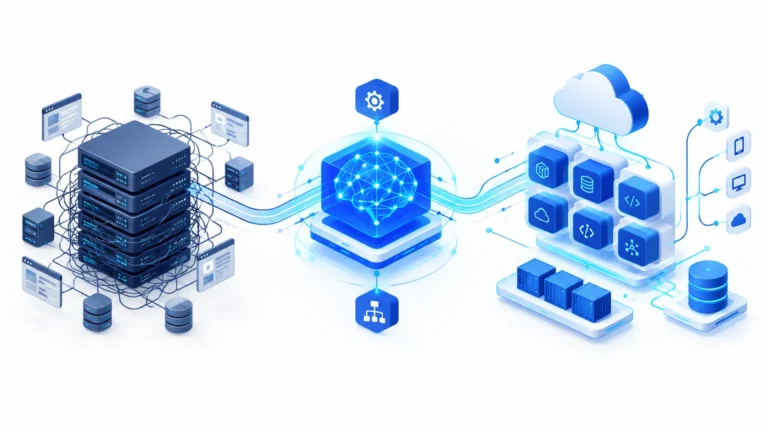
Legacy Application Modernization with AI Automation Legacy Application Modernization with AI Automation: The Enterprise Engineering Guide Maintaining a monolithic legacy application often…
Read More →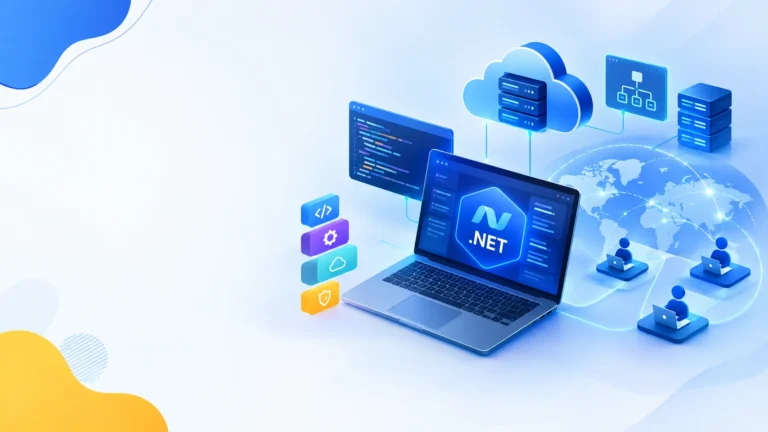
How to Outsource .NET Development Outsource .NET Development in 2026 Costs, Models & Vetting Guide The .NET ecosystem is worth an estimated…
Read More →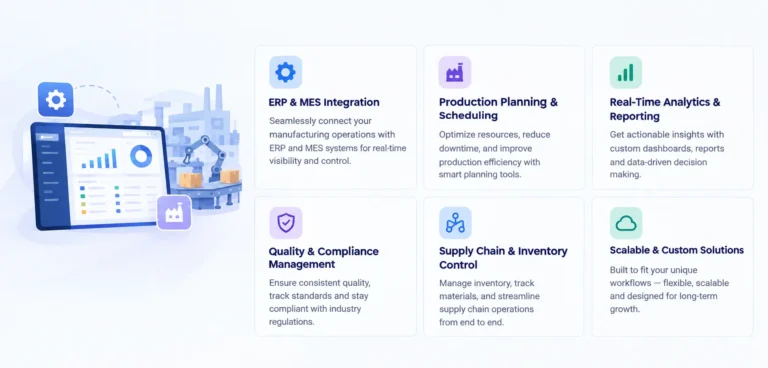
Custom Manufacturing Software Development Guide What to build vs buy, the integration patterns that survive audit, the compliance layers most vendors miss,…
Read More →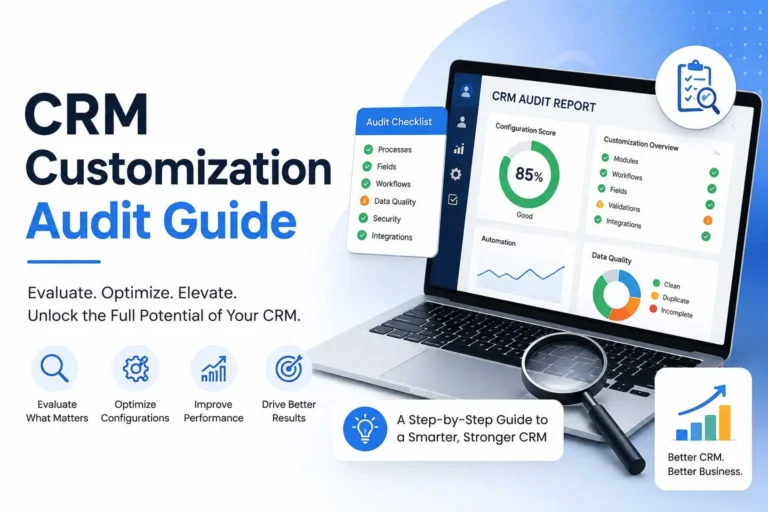
5 Signs Your CRM Setup Is Costing You Deals — And What a Proper CRM Audit Actually Catches Your CRM was supposed…
Read More →
How to Hire a Manufacturing Software Development Company in 2026 Why manufacturing software is different from generic enterprise software Before you compare…
Read More →
Microsoft Copilot Integration Services Enterprise Playbook Nobody Writes Microsoft Copilot integration, done as a programme and not a licence purchase Most Microsoft…
Read More →CRM development is the work of designing, building and extending a customer relationship management system so that it fits how your business actually sells, delivers service and keeps customers. A CRM that matches your process becomes the shared record your sales, support, finance and leadership teams rely on. A CRM that does not match it turns into a spreadsheet with a login screen: data goes stale, reps keep their own notes, and reports stop being trusted.
Most companies do not face a single decision. They face a chain of them: which platform to start with, how far to customise it, whether a custom build makes sense, how the CRM should connect to finance, marketing and support systems, and how to move years of customer data without losing history. The guides in this category address each of those decisions, so you can start with the question that matches your situation and move on to the next.
Platforms such as Salesforce, HubSpot and Zoho CRM cover the core needs of most sales and service teams: contacts, accounts, pipelines, tasks, reporting and automation. For many businesses, the fastest path to value is to configure what the platform already offers before writing any code. Configuration means adjusting fields, pipeline stages, page layouts, permissions and standard workflows.
Customisation becomes necessary when the process has steps the platform does not support. Examples include multi-stage approval chains tied to contract value, quoting rules that depend on product configuration, or service workflows that need to escalate based on account history. In those cases, custom objects, workflow automation and tailored interface components can close the gap without replacing the whole system.
A useful test is to list the three processes that generate the most revenue or the most manual work. If the platform handles them with configuration, keep the platform and improve the setup. If the team keeps working around the platform, customisation is probably justified. Our custom CRM development guide explains how to compare the two paths in more detail.
A full custom CRM makes sense in a narrower set of cases. The most common are unusual sales or service models that configuration cannot represent, strict data ownership or hosting requirements, and licence costs that grow faster than the value users receive. Some businesses also need a CRM tightly coupled to a proprietary product, a marketplace or a field-service operation.
Building from scratch means taking on responsibilities that a platform normally handles: user management, security, backups, upgrades and performance. It also means documenting decisions carefully, because the people who maintain the system in three years may not be the people who designed it. A disciplined discovery phase, a clear data model and a phased release plan reduce that risk.
A CRM rarely works alone. Customer data flows between the CRM and accounting or ERP software, billing and subscription tools, email and calendar systems, marketing automation, support desks and payment gateways. When these connections are weak, sales teams quote from outdated prices, finance chases payments that support has already resolved, and marketing sends campaigns to customers who have already churned.
Good integration work starts with a map. List each system, the data it owns, the direction data should move, how often it should sync, and what happens when two systems disagree. Decide which system is the source of truth for each field. Integrations built on clear ownership rules are easier to test and far easier to maintain. Our CRM integration guide covers the common patterns, including API-based sync, event-driven updates and scheduled batch transfers.
Data migration is where many CRM projects go wrong. The problem is rarely the tool used to move the data. It is usually the mapping: fields that mean different things in the old and new systems, duplicate contacts that were never cleaned up, and activity history that does not fit the new data model. Each of these problems is easy to solve early and expensive to fix after go-live.
A reliable migration follows a clear sequence. Audit the source data and remove obvious duplicates. Map every field and agree on the meaning of each value. Run test loads in a non-production environment and check record counts, totals and sample records against the source. Keep the old system read-only for a short period after launch, so the team can verify the new data before the old system is retired. Our CRM data migration guide walks through these steps.
A CRM holds some of the most commercially sensitive information in the company, including pricing, contract terms and personal details of customers. Security should therefore be designed in from the start rather than added later. Role-based access controls limit what each user can see and change. Audit logs record who changed what and when. Encryption protects data in transit and at rest, and backup and recovery procedures are tested rather than assumed.
Compliance requirements vary. Businesses that handle personal data from customers in the European Union need to consider GDPR obligations, while healthcare and financial organisations have sector-specific rules. These requirements should be confirmed during discovery, because they affect where data is hosted, how long it is kept and how deletion requests are handled.
Ownership matters too. Before development starts, agree in writing who owns the code, the configuration and the data. Make sure documentation covers the data model, integrations and deployment process, so your team or another partner can maintain the system without relying on one person.
Look for a partner that asks about your process before recommending a platform. Strong partners explain the trade-offs between configuration, customisation and a custom build, and they say so when a simpler option will work. Ask how they handle discovery, testing, data migration and post-launch support, and ask to see how they document past work. If you already have a platform and need extra capacity, our Salesforce hiring page explains how dedicated developers can join your existing CRM team.
If you are early in your decision, start with the custom CRM guide to compare the options. If you already have a CRM that is not performing, read the integration and migration guides to find where the gaps are. If you are planning a project, use the sections above as a checklist for your discovery phase.
Not sure which path fits? Tell us your current CRM, the systems it must connect to and the process it has to support. We will explain what we would recommend and what it would involve. Contact us to start the conversation.